Dianping The "Yelp of China"
Dianping is China's most powerful dining and lifestyle app with english language support. It combines the functions of Yelp, TripAdvisor, and Groupon. It is essential for finding authentic local food, reading real reviews, and avoiding tourist traps.
1. Download
iOS
iOS: Go to the App Store and search for "Dianping" or "大众点评".
Android
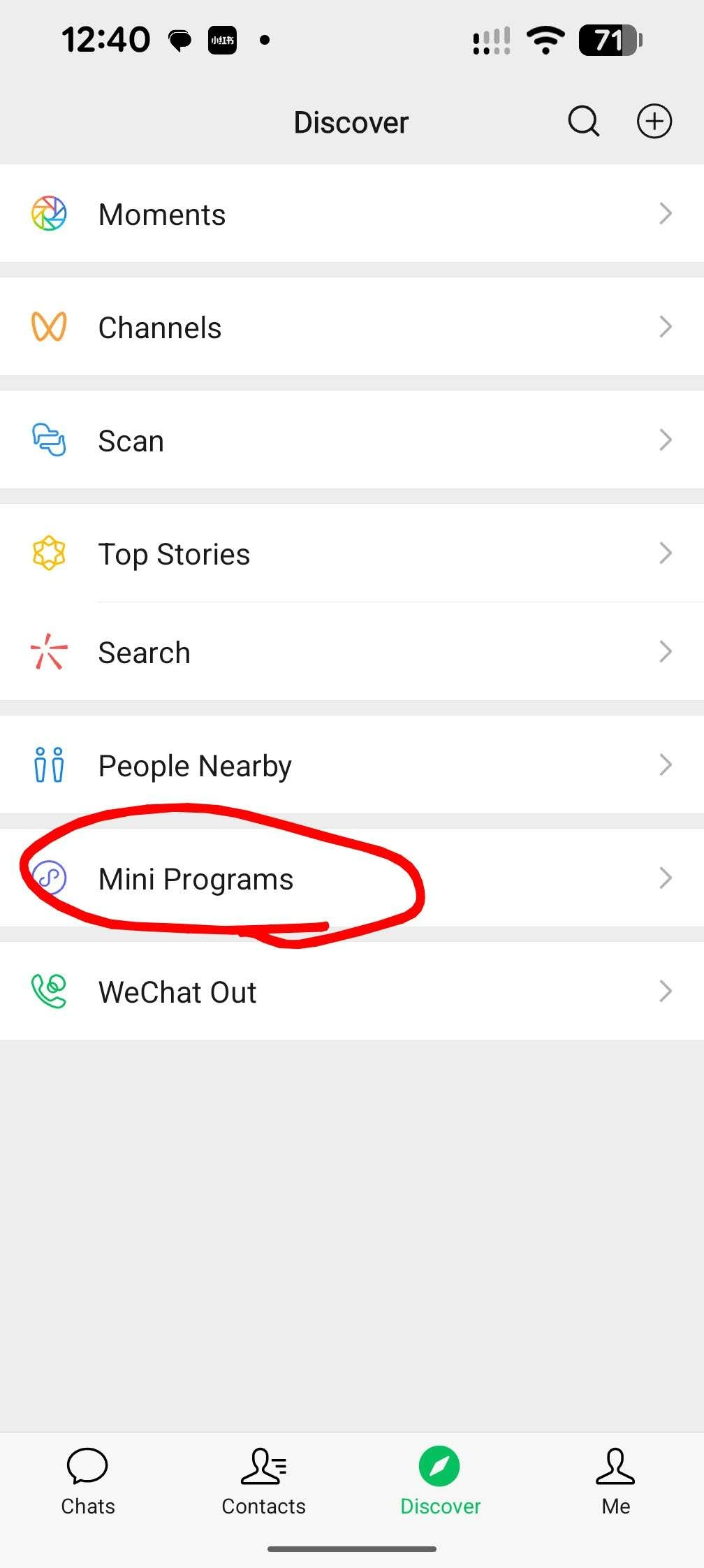
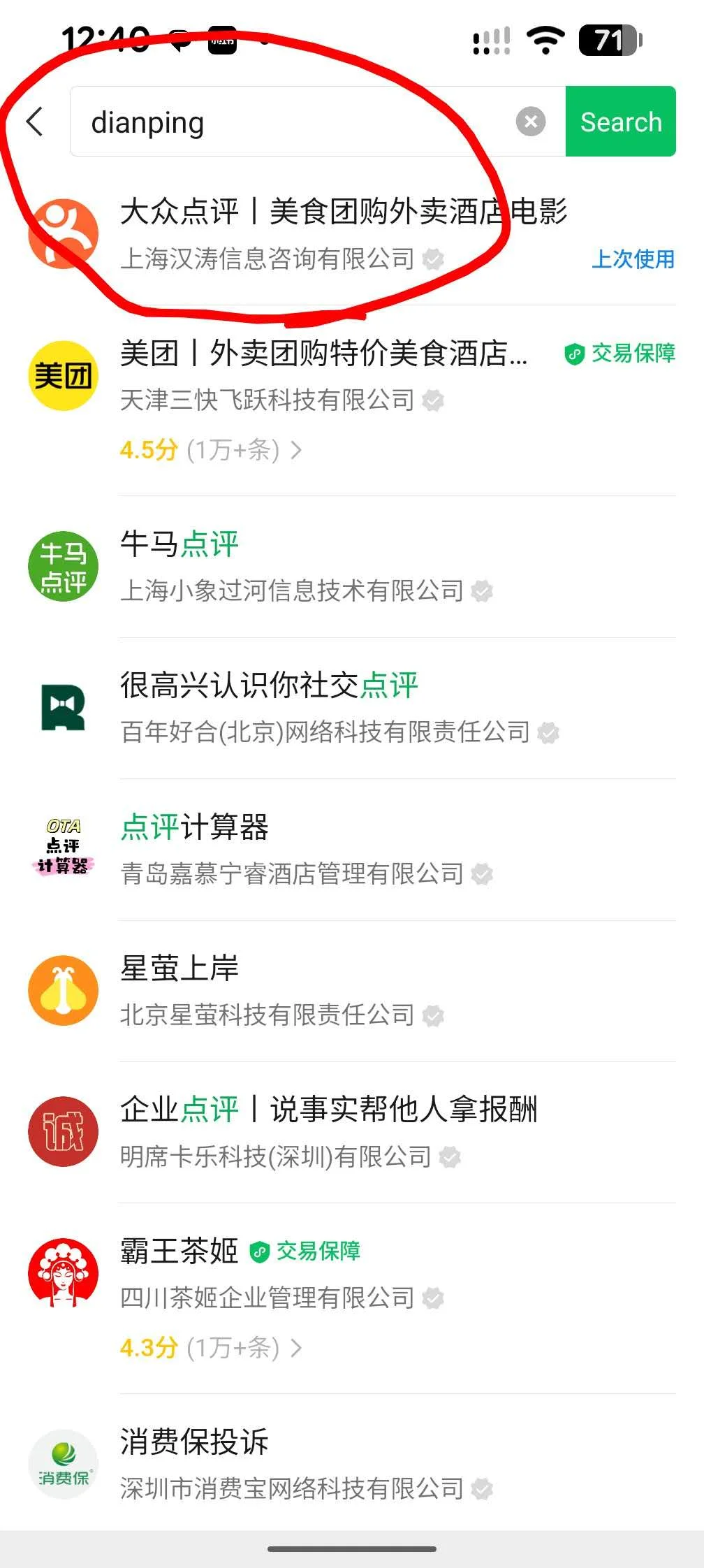
Android: Search in your app store. If unavailable, download the APK from a trusted source or use the "Mini Program" version inside the WeChat or Alipay apps (search "大众点评" inside them).

2. Sign Up (International Friendly)
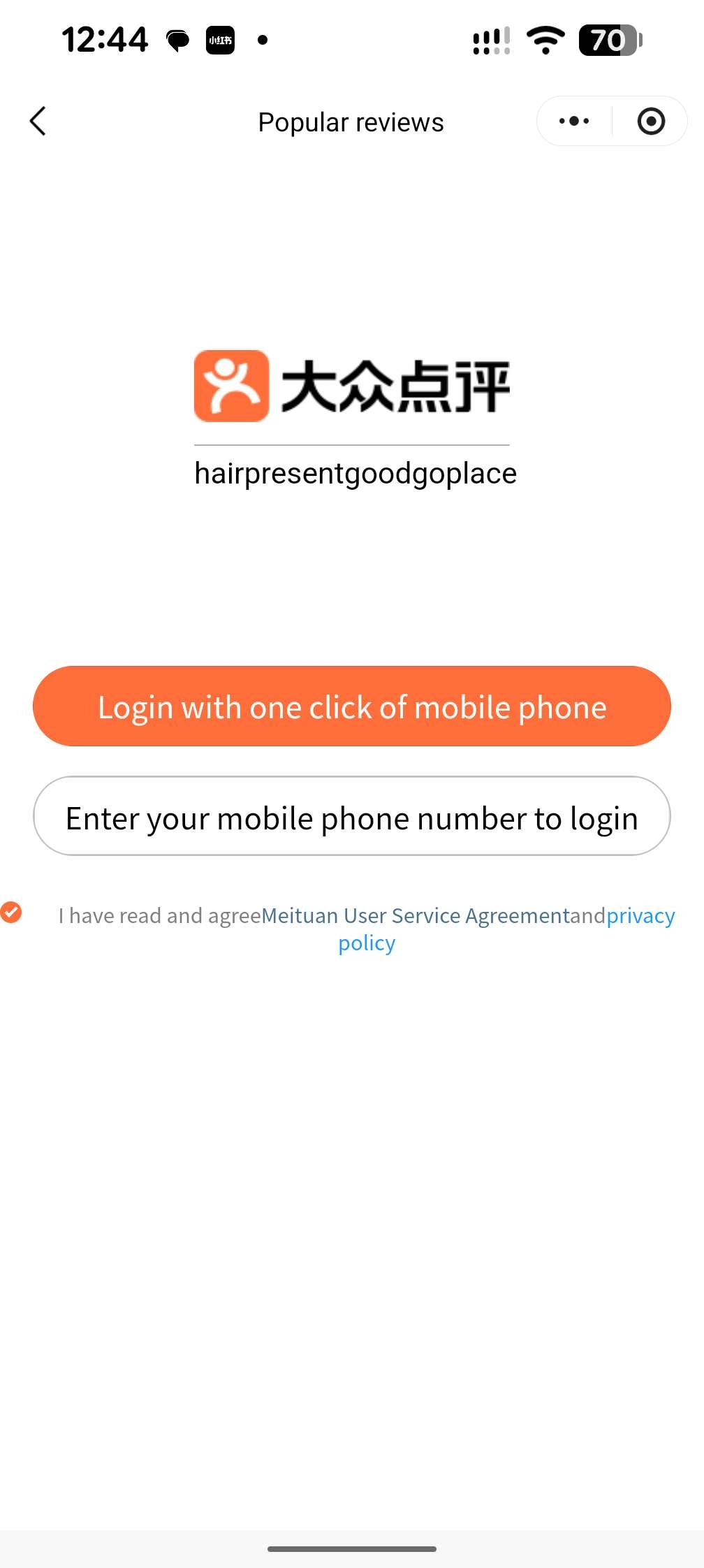
Open the app. You will be prompted to log in.
Option A (Easiest): Tap the WeChat or Alipay icon at the bottom. This links your existing verified account and often bypasses the need for a fresh SMS verification.
Option B (Phone): Select your country code (e.g., +1, +44, +61) from the list and enter your mobile number to receive an SMS verification code.

3. Switch Language to English
- Tap "Me" (我的) in the bottom right corner.
- Tap the Gear Icon (Settings) in the top right.
- Select General (通用) or look for Language (语言).
- Choose English. The interface will reload with translated menus and navigation buttons.

4. Find Restaurants
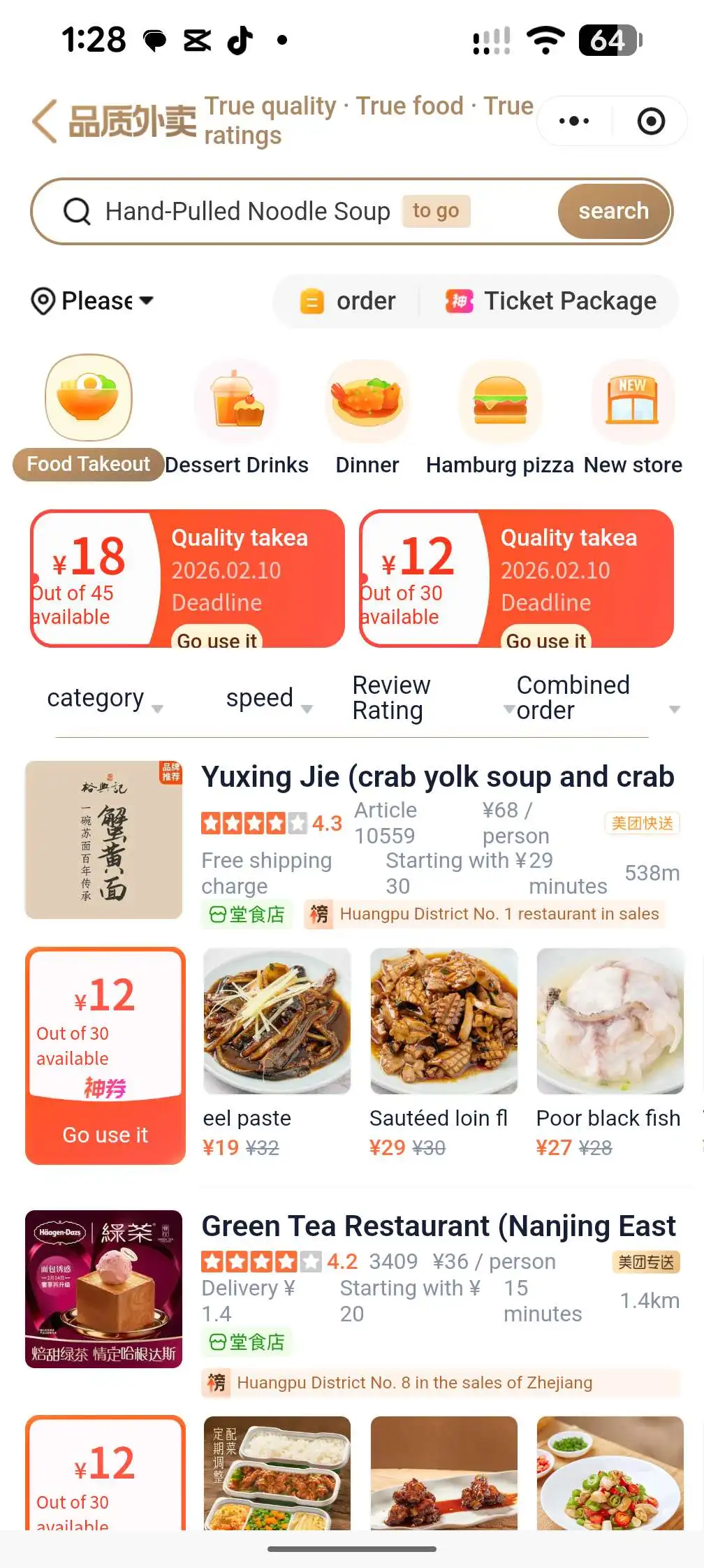
Search
Search Bar: You can now type in English (e.g., "Hot Pot," "Dumplings"), though Pinyin (e.g., "Huo Guo") often yields more local results. AI search is also available.
Categories
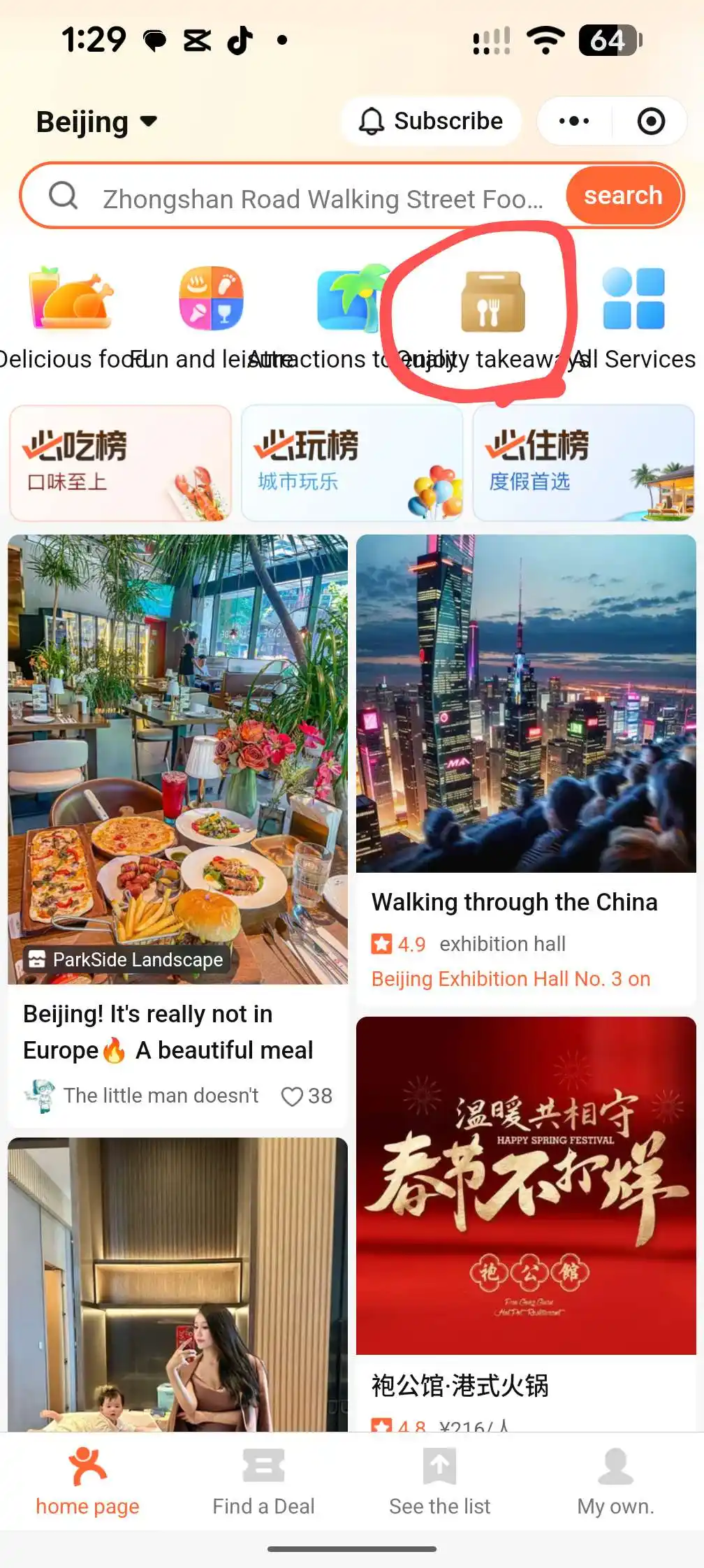
Category Icons: Tap the "Food" icon (usually a bowl/cutlery) on the homepage to see nearby listings.
Filters
Filters: Use the filter bar to sort by Rating (High to Low) or Price (Budget to Luxury).
Pro Tip: Look for the "Must Eat List" (必吃榜) badge—these are awarded to restaurants with consistently high quality and are safer bets than random spots.


5. Navigate
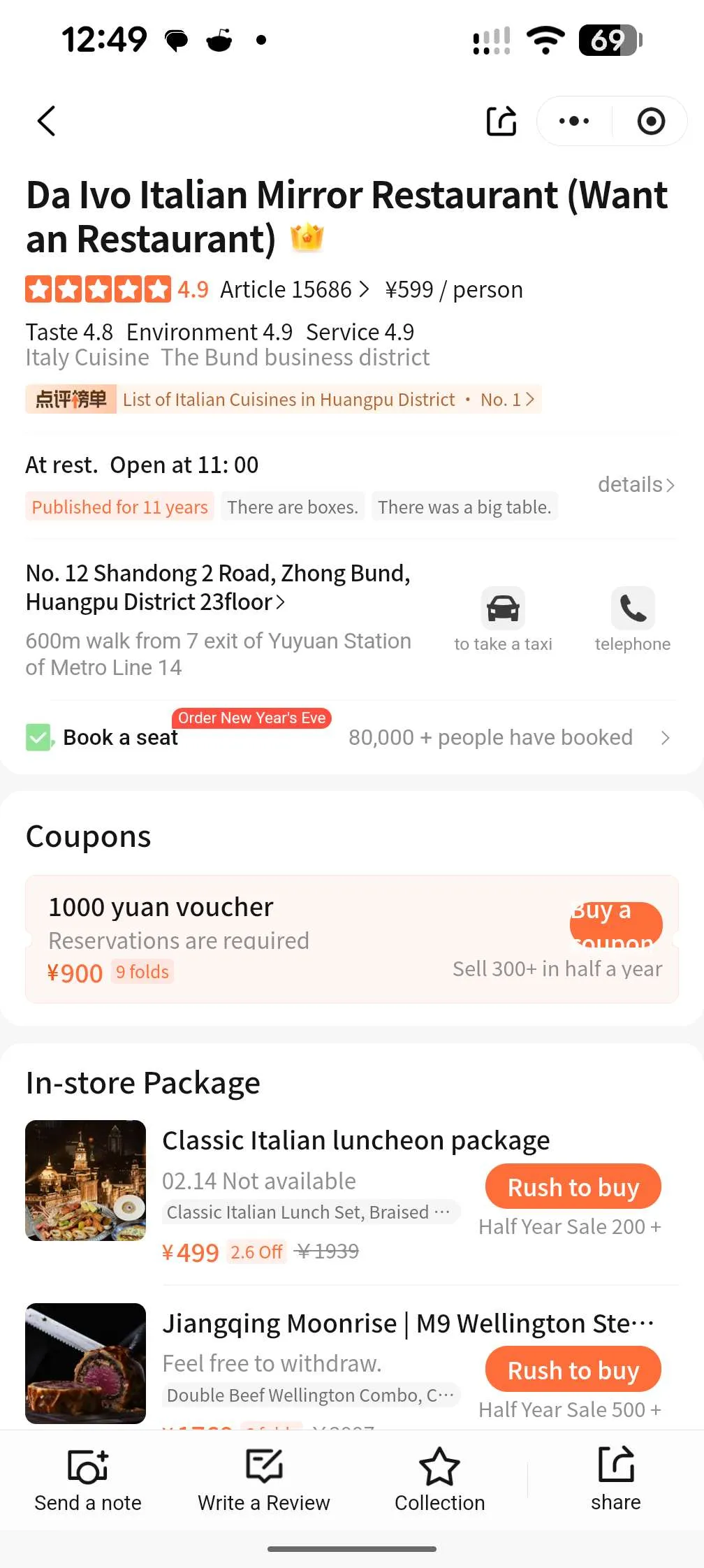
- Tap on a restaurant to open its page.
- Click the Map/Location Pin icon next to the address.
- Action: While Dianping has a built-in map, it is often better to copy the address (long press) and paste it into Apple Maps (for iPhone users) or Amap (Gaode Maps) for the most accurate walking directions.

6. In-Screen Translation of Reviews
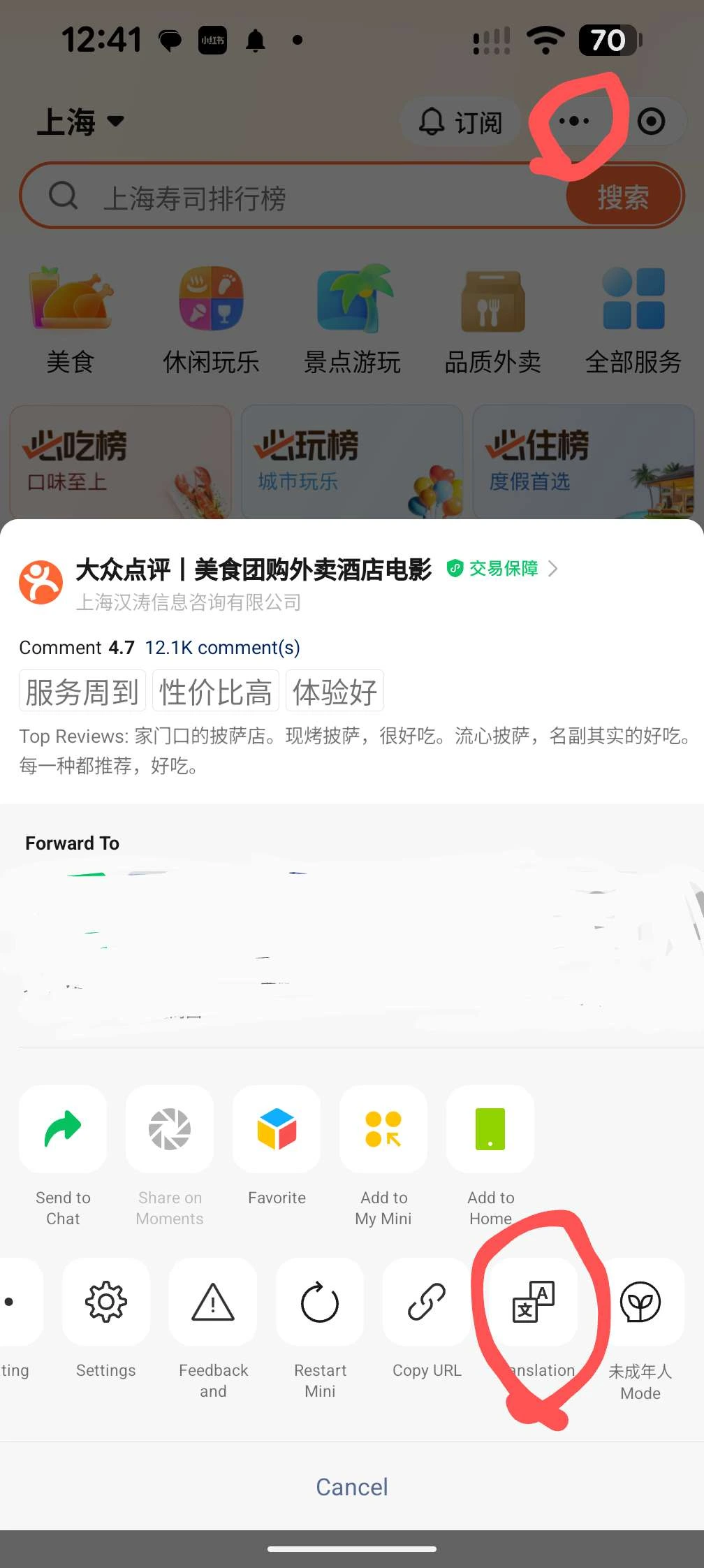
Floating Translate Bubble (New Feature): Look for a floating "Translate" or "A/文" bubble on the screen. Tap it to instantly translate the entire page, including user reviews and menus, into English.
Fallback Method: If the bubble isn't visible, or you need language translation more than english, take a Screenshot. A prompt often appears asking if you want to "Translate Image." in new devices like Pixel, Samsung or iphone. Alternatively, use the WeChat Scan feature > "Translate" tab and select your screenshot from the gallery.